Off the Page #1: Origins and Inspirations

Off the Page

Despite all my recent Adobe Illustrator work I’m still a pencil artist at heart.  It’s where I’m the most comfortable and most effective.  I’ve always seen drawing like carving.  The blank page is a stone, pencil lines cut away the excess until the finished result springs forth.  The more work I do recently the more apt that comparison is.  There’s still nothing quite like creating a character or a design in your head and watch it come to life on the page.  Though it may not be as efficient and may cause lots of graphite-stained hands and eraser dust messes on the table it’s still the most expressive way to create I know.

I have lots of designs, from projects that never got off the ground, to one-offs that were never intended to go beyond a single image.  I thought I’d share some of these to show that, while computers can do a lot, they still can’t create the same organic artwork that can be made by hand.

I thought I’d start with something familiar:
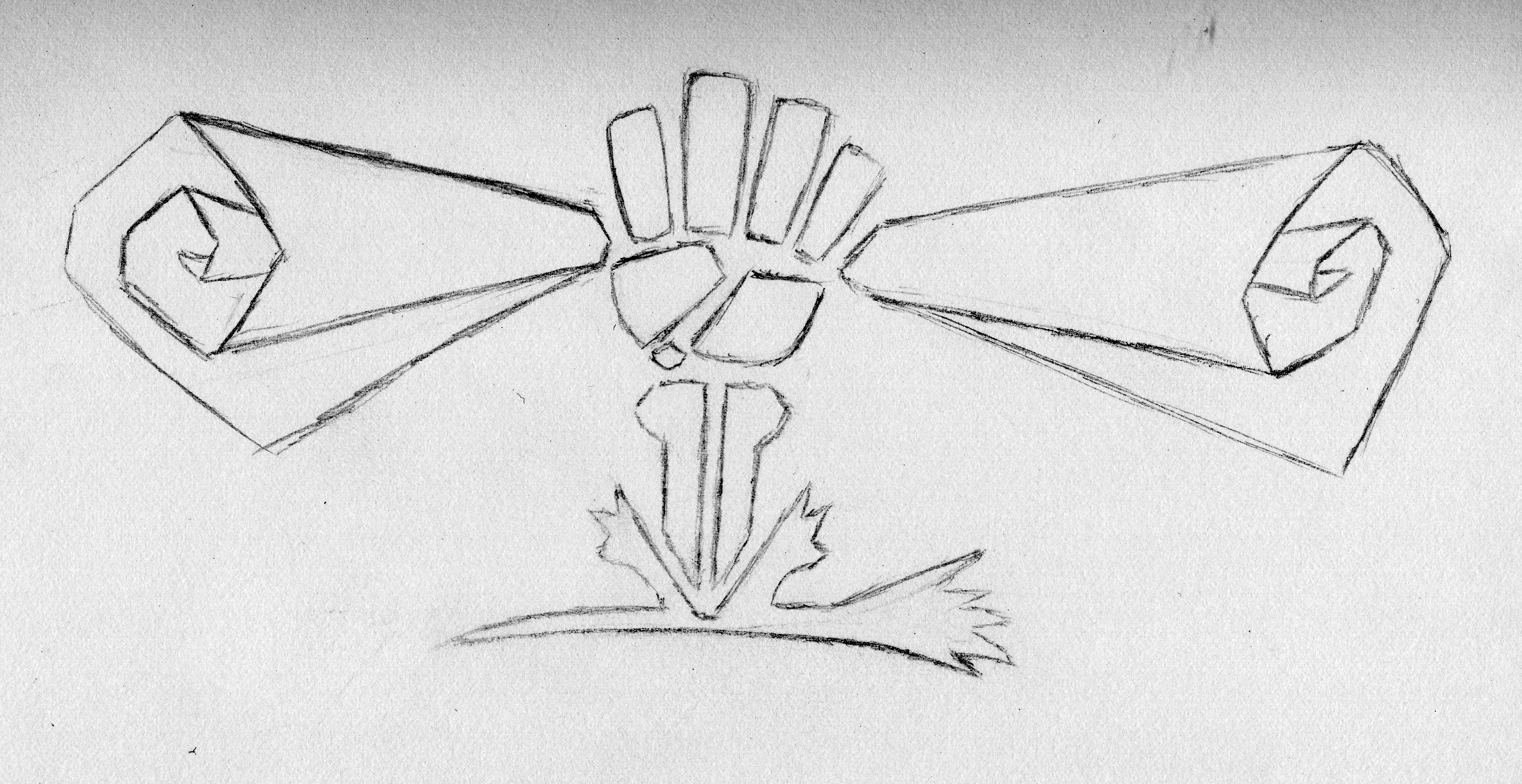
Revenant Publications Logo
The original RevPub Logo

This is the original Revenant Publications logo I designed by hand.  I knew this venture would need a brand of some kind and I had the concept early on, the fist punching through the earth, rising from the grave to reclaim creativity!  These are the lofty goals of RevPub and made for a simple logo graphic.

I eventually took this drawing through vectoring software and created a messy vector that was virtually useless.  I designed it again in Photoshop to create this:
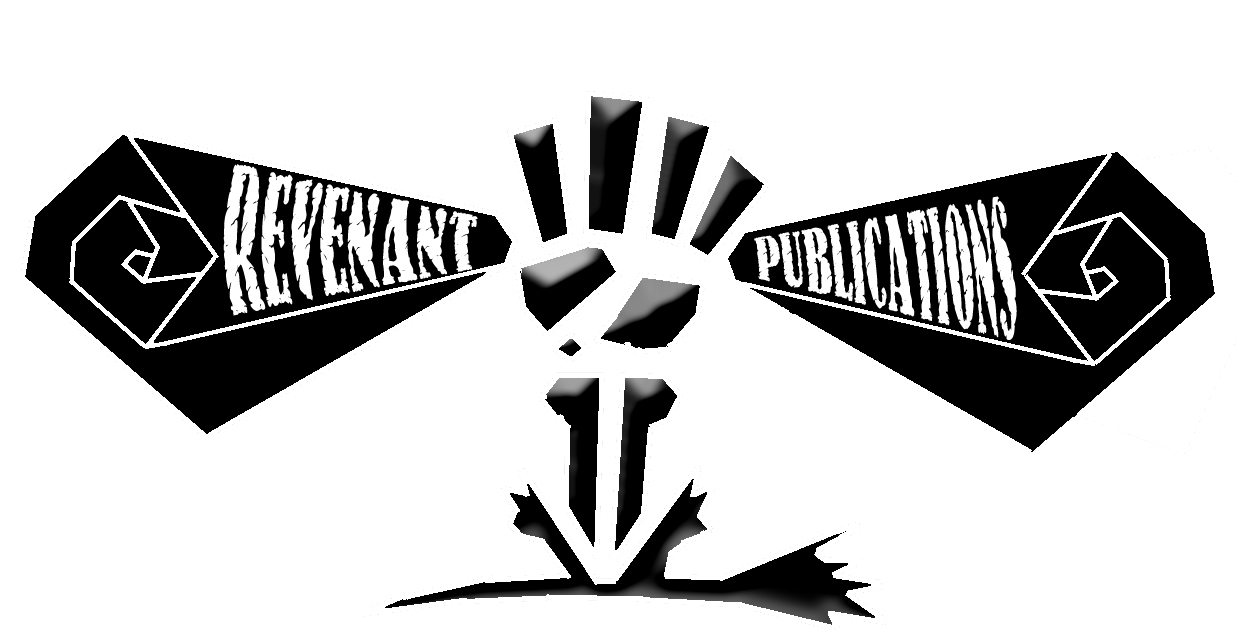
Revenant Logo in Photoshop
Photoshop isn’t designed to do logos as well as Illustrator. The final version can be seen in our header!

Even for objects best done in software, where clean lines can be created easily, polygons can be made sharp, and objects lined up perfectly, I still start from paper to create something new.  It’s been an interesting progression to take designs from the page, through one software, then through another.


The last drawing is a bonus.  Back in 2009 I was in the midst of a creativity drought and the other half of RevPub was determined to prove that it was something I could easily overcome.  So she told me to draw anything and suggested her boot.  So that’s what I drew.  It took a little while to completely break down the creative block that stood in the way of actual production, but this began the process.  And it represents the first of many recent collaborations, the most important of which is this blog!
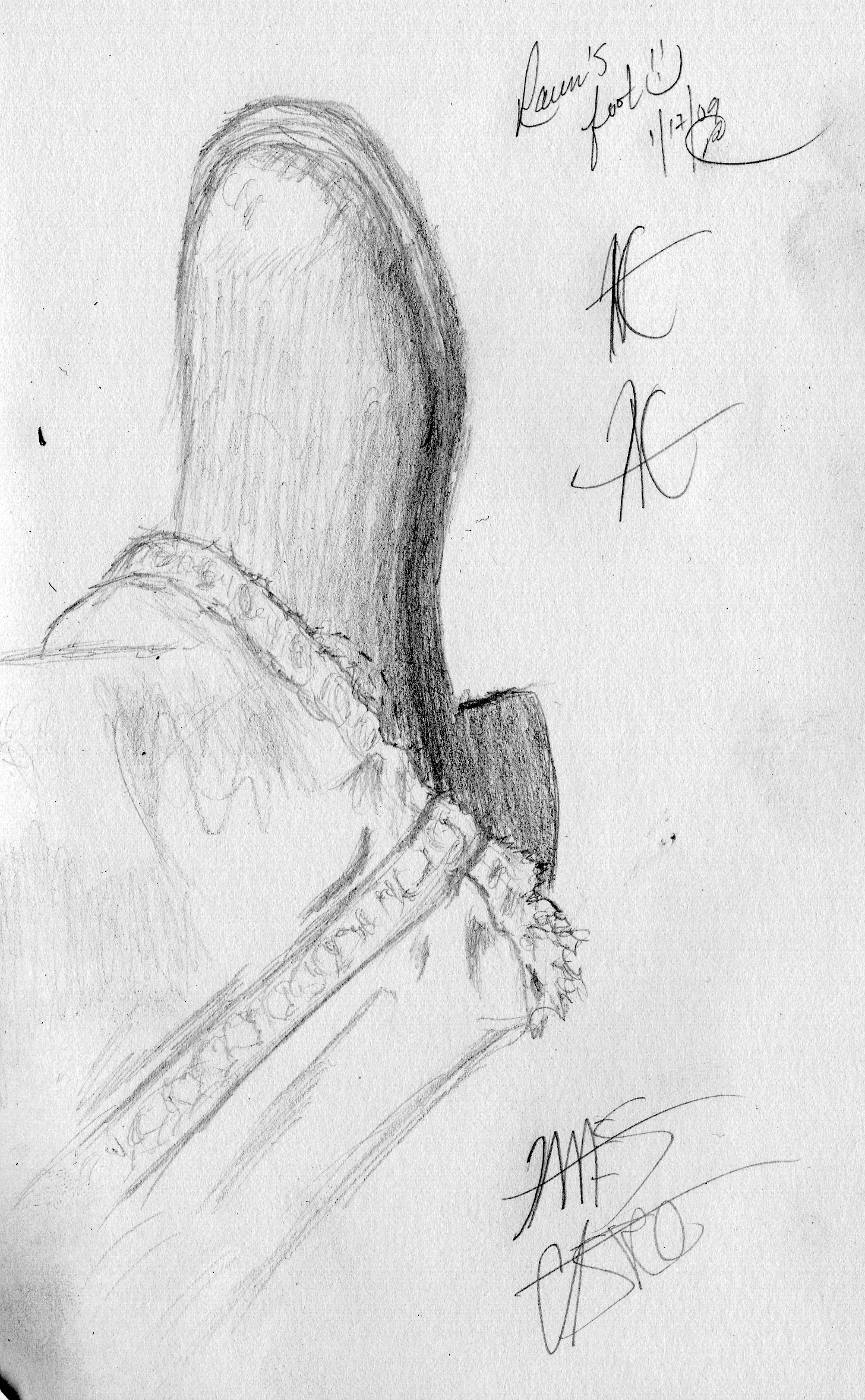
Raven's Boot
That’s Raven’s boot alright! She even signed it for me!

Off the Artboard #1: Byte Me

Since my previous post ended up being a brief novella due to the desire to express my inexhaustible love for Dragon Warrior I thought I would use this as an opportunity to be more graphical and less textual.

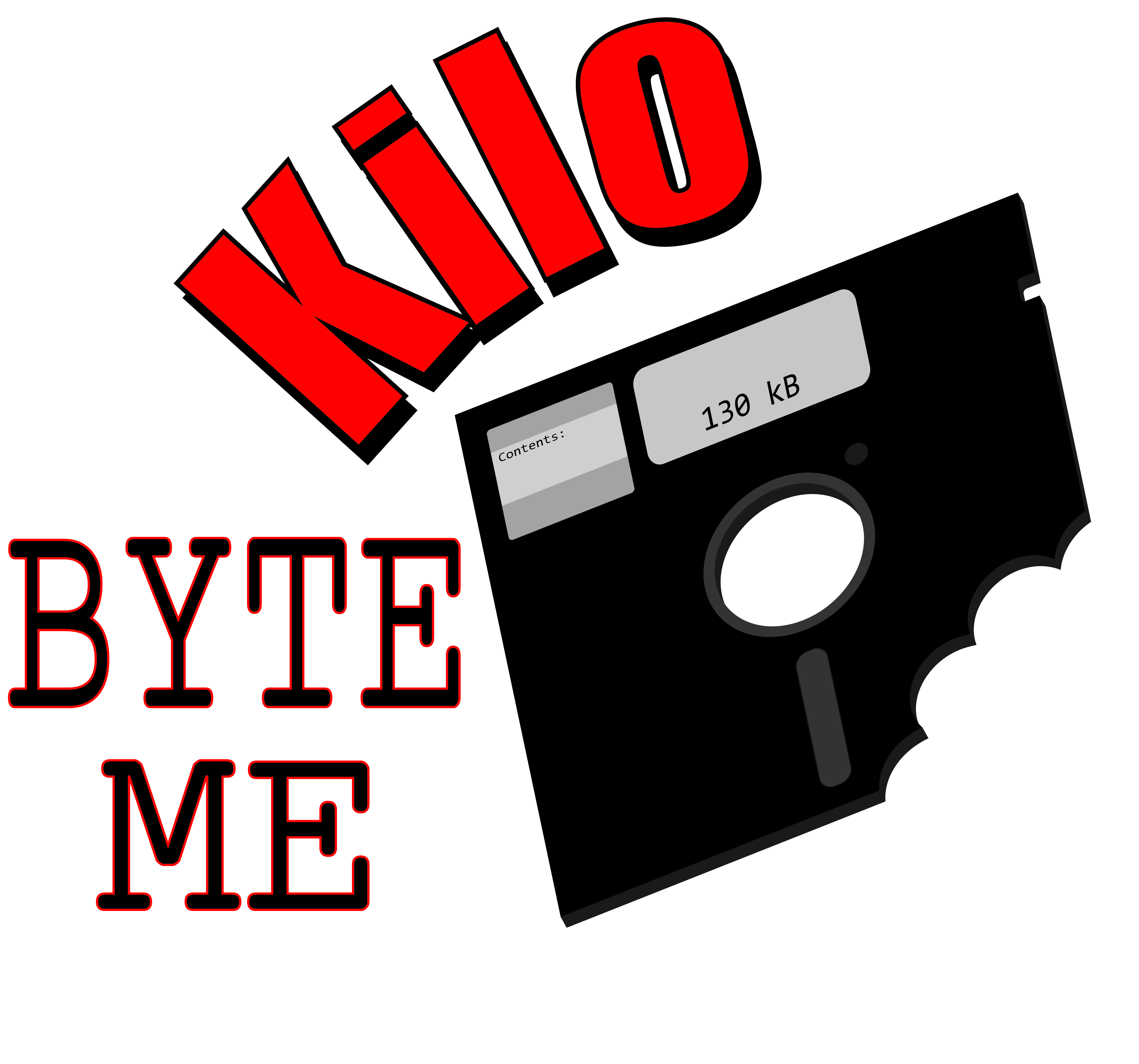
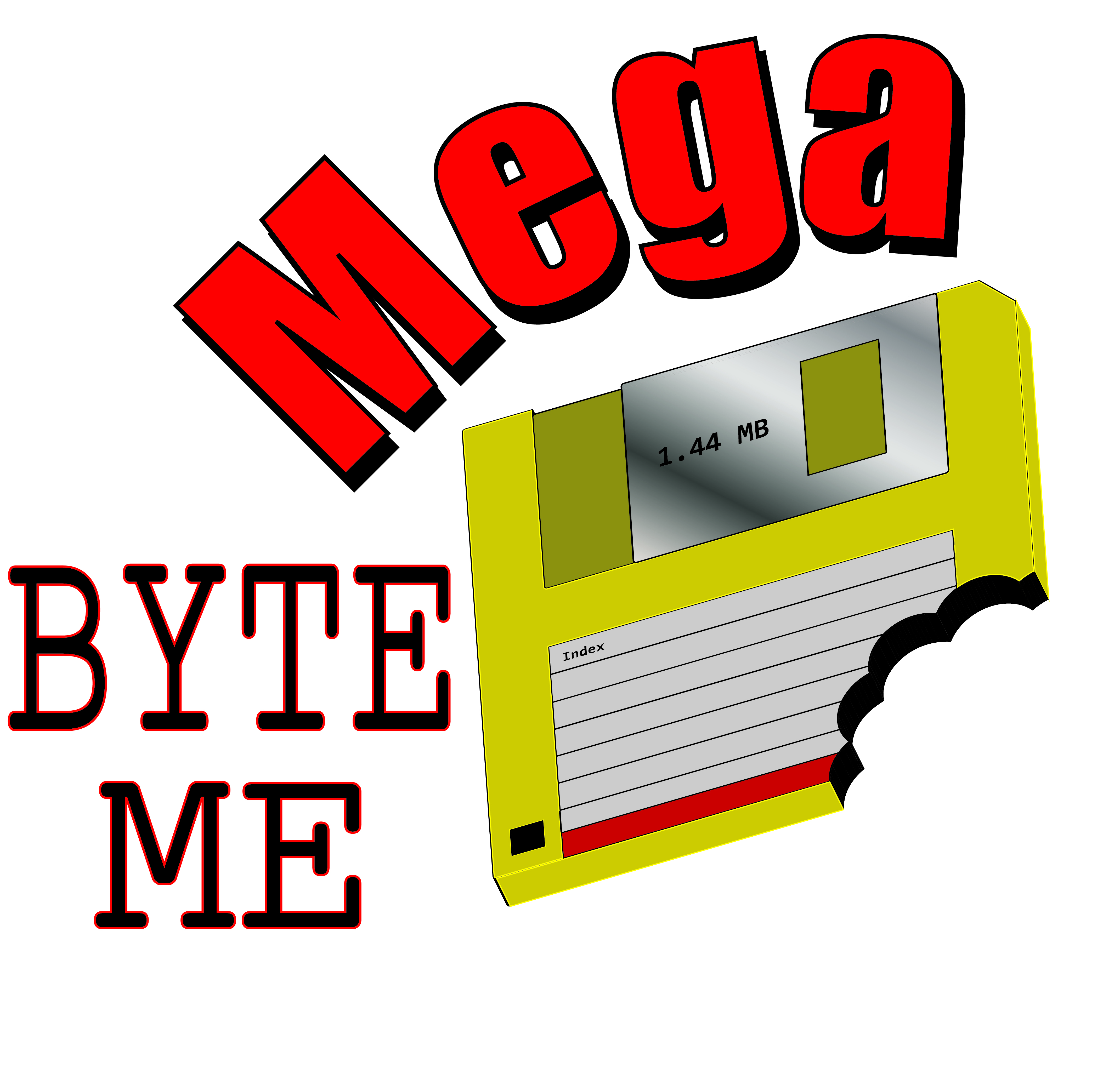
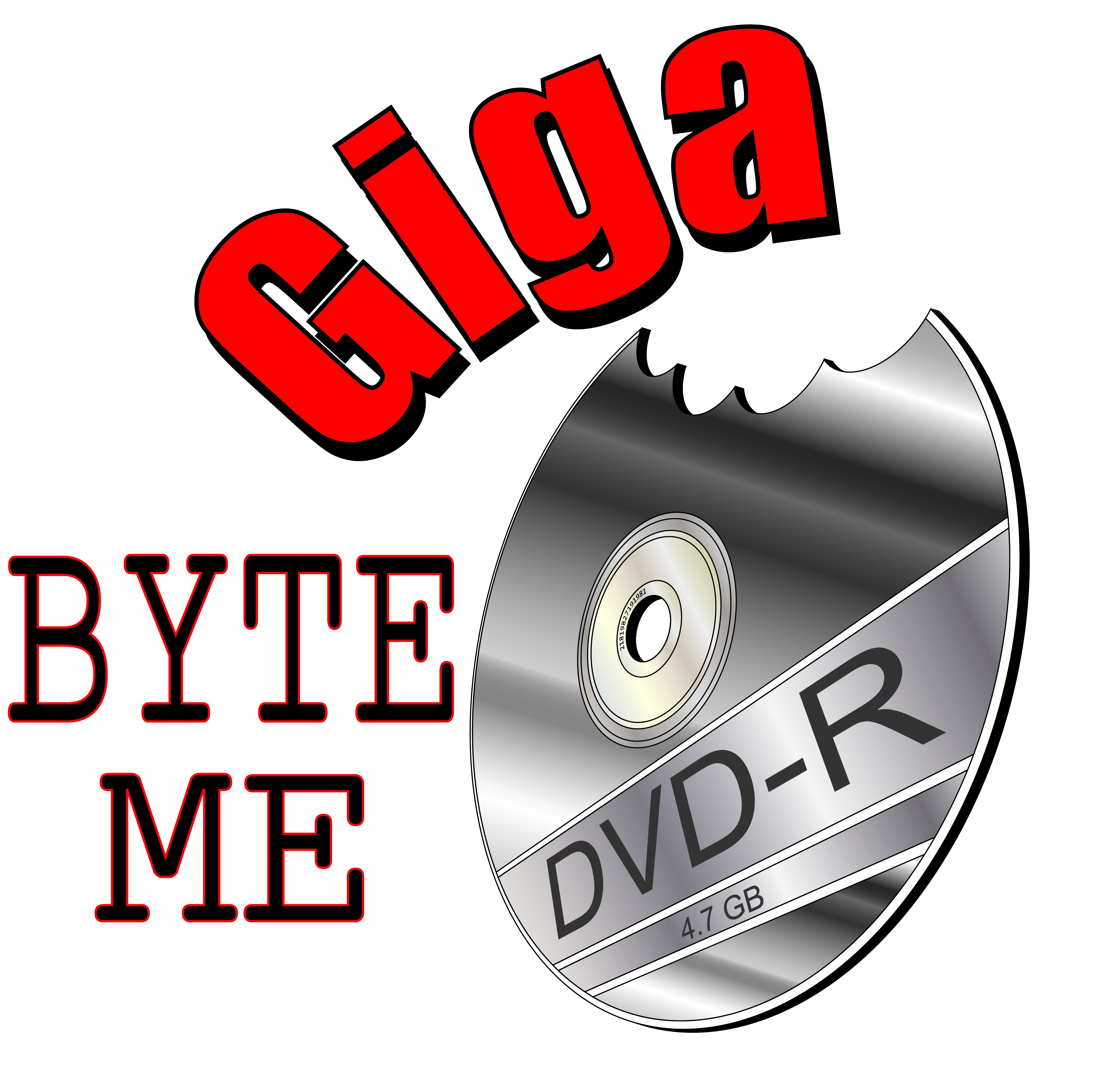
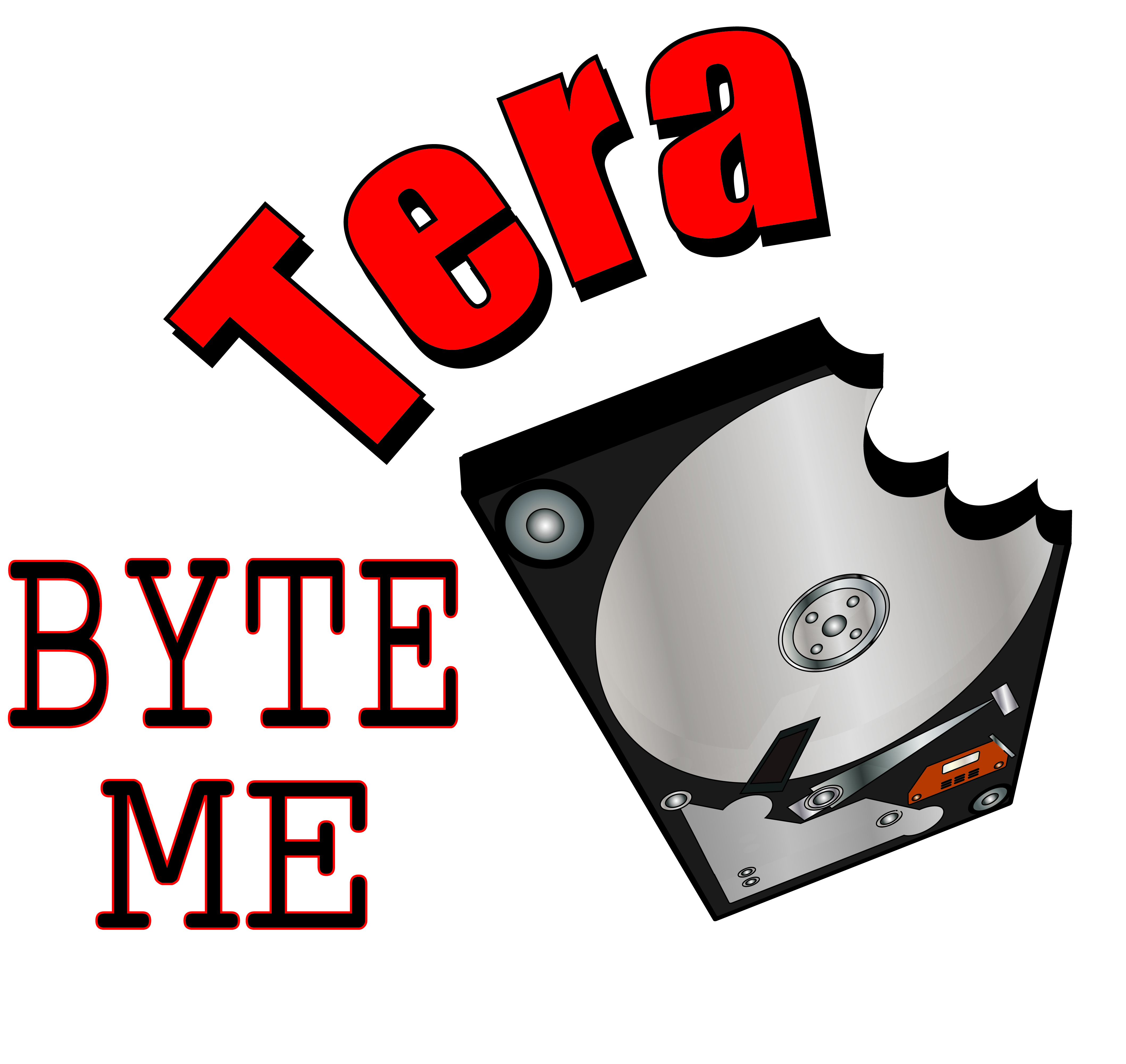
This concept came from my friend Ron Peaks at my day job who thought “You can megabyte me” would make a good t-shirt.  He’s a comedy assassin; the humor always comes from nowhere and slays you instantly.

I made these graphics based on the concept and thought (since I go back far enough) it would be amusing to see the history of “bytes.”  These images used several different techniques in Illustrator, two used 3D effects, two used the perspective tool; they all used various combinations of polygons, shape-builder, and gradients.  They represent a lot of what I learned in my first two months of dedicated Illustrator-ing, were fun to create, and made for nice bright graphics.

So here they are!  He was correct, they probably would make good t-shirts…

Kilo Byte Me
With 5.25 Inch Floppy Disk!
Mega Byte Me
With 3.5 Inch Floppy Disk!
Giga Byte Me
With DVD!
Tera Byte Me
With a Hard Drive!
2D Formats
These were the base graphics I created to build the logos. It was fun to revisit the all the various storage media of my past…

An Illustrator’s Foray into Adobe Illustrator – Week 6

This will be the last one of these as the rest of my Illustrator education will now be appearing in RevPub’s creative projects.  These two tutorials I did in April and related to tracing and coloring in Illustrator.  These are nice lessons, especially good at teaching how to work from images created outside of Illustrator, first using the pen tool, and second using the blob brush and a pen tablet.

Since I didn’t feel like staring at pictures of myself while I learned this and I didn’t want to license any photos I used a couple of pictures of the far more photogenic half of RevPub to try these out.  She makes for a nice cartoon!

This is the first one.  This was appealing as it had a more stylized look, used only Illustrator tools, and provided a simple (but eye catching and dramatic) style:

http://ndesign-studio.com/tutorials/tracing-photo

Raven
The highly contrasted tutorial made this picture look even more eye-catching.

This was the first time I tried this technique and it was effective and has helped immensely with my own work.  Starting with a complicated photograph you definitely don’t want to do any artistic injustice to raised the bar for the work, but it’s made the simple illustrations I do far easier in retrospect.  Honestly I haven’t used this specific technique frequently but it was very effective at teaching the tools needed to create more advanced artwork, especially from photographs or scanned drawings.

The second one was more natural for me as it used the pen tablet.  The pen tablet is still a tricky device for me.  I need to see the marks coming out of the pen to be effective but I’m slowly learning to use it.

http://vectips.com/tutorials/create-a-grisly-zombie-illustration-with-a-pen-tablet/

This tutorial was actually to teach you how to zombify a person, but I thought I’d use the skills taught in the tutorial just to do the basics first (zombies to come later of course…)  This one came better than I expected and taught how to color using the Live Paint Bucket (a tool I didn’t know about that BLEW MY MIND).

Here’s my second tutorial result:

Raven Trace
She was posing in a Halloween costume but I love the expressiveness of this picture and it’s a great smile. It was perfect for tracing and coloring.

These two tutorials, mixed with the others I’ve posted, have really taken me from “What the-?” in Illustrator to creation of my own artwork using multiple layers and tools.  I’m by no means a master in the software, or even professionally proficient, but my knowledge of the software has vastly improved in just a few weeks using the infinite power of the World Wide Webs (or “Internets” if you prefer).  I should write Google a thank you card.

I hope everyone has found these tutorials useful too.  My next Illustrator posts will be things to look forward to in RevPub’s first official “pub” Lil’ Horsemen, which, barring some unforeseen hold-up, is coming Summer-Fall 2012!

Things to come! – A Tiny Preview of “Lil’ Horsemen”

Big things are in the works at Revenant Publications.  Or medium-sized to big things at least.  Anyone who saw the Lil Grimmy Reaper & Skirmish post from May 22nd will know the direction we’re headed, and anyone who’s been keeping up with the “Illustrator’s Foray” posts know I’ve been learning the software in a Google+YouTube taught accelerated fashion.  I’ve got a couple more tutorials I’ve found (showing various trace and coloring tools) coming up that have helped me immensely, but until then I thought a taste of things to come would be a nice teaser.

I’ve been writing and planning no fewer than three comic series of various sizes, scopes, and complexity since middle school (yeah…s’been a while…) and I’m just now, with the motivation provided by the fairer-half of RevPub, on the cusp of publishing the first one, which will premiere on revenantpublications.com hopefully toward the end of summer or beginning of fall.  It’s the first time since I’ve started working on them that I really feel like this will happen and it’s the most exciting creative rush I think I’ve ever had.  It’s one thing to have ideas…it’s completely different to actually see your plans, writing, and concepts start to come together.  Starting with the project of the least complexity, but potentially the most charm, we’re preparing to publish the graphic novelization of a concept that started with a little story written for sophomore English class in 1996 and came to maturity as a short story I wrote in creative writing class as a high school senior in 1998.   This will eventually (hopefully) spread into a simple-paneled comic series published to RevPub with some regularity.

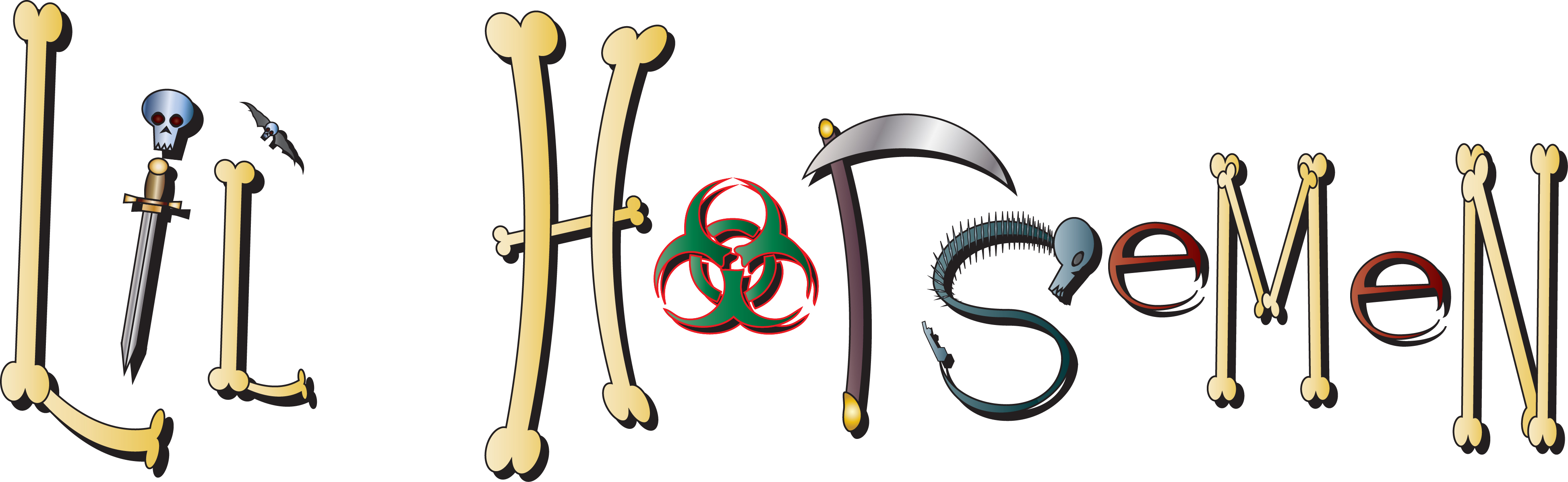
I give you the Lil’ Horsemen logo, as designed in Illustrator using all the tools I’ve learned and figured out on my own over the past two months:

Lil Horsemen
All the Lil Horsemen are represented in the logo! Including them all was harder than it might seem…

As was mentioned in the May 22nd post. I think of it as”Muppet Babies in Hell” and follows the adventures of the Little Four Horsemen of the Apocalypse, the youngest children of the real Four Horsemen.  It’s a fun, grim series and will hopefully be a taste of more great things to come from Revenant Publications!

Stay tuned!

Stay Tuned

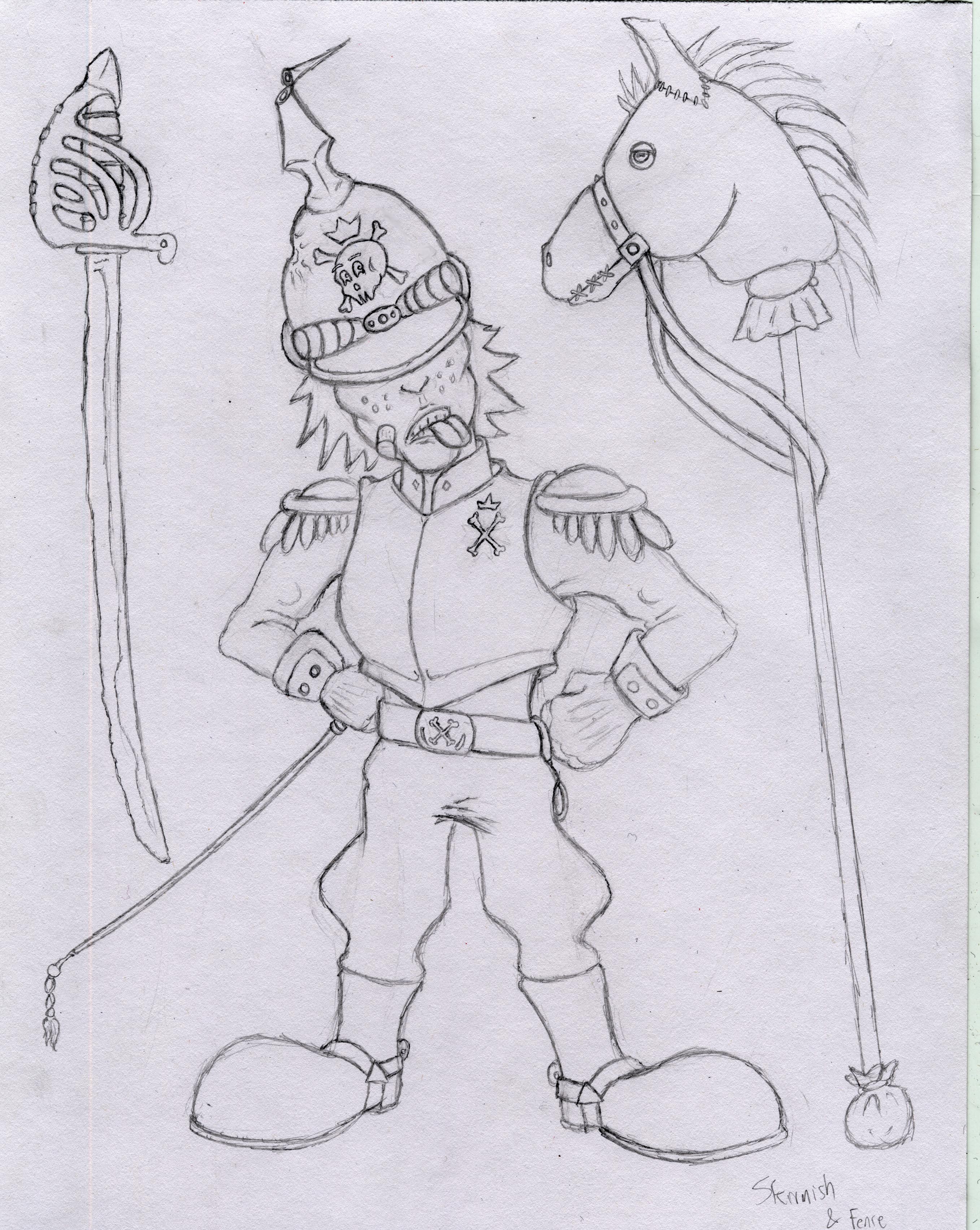
“Lil” Grimmy Reaper & Skirmish

In the “Coming Soon” category (sometime in the future) is a continuing series based on characters and a world I created in 1998 for a creative writing class in High School, the world of the Lil Horsemen.  It’s like Muppet Babies…but in Hell…  (In case you were wondering the assignment was “A children’s story that teaches a lesson”)

Copyright Revenant Pulications 1998

Above: Lil Grimmy Reaper, youngest son of Death, and his favorite stuffed toy Ded Bär.

Below: Skirmish von Grossenkreeg, youngest son of War, and his mighty steed, “Fence.”

Copyright Revenant Publications 1998

Coming Soon the remaining two horsemen, Smally Pox and Anna Rexa.  Stayed tuned to see their adventures!

An Illustrator’s Foray into Adobe Illustrator – Week 5

During my Illustrator tutorial spree I’ve learned a lot about how shapes and gradients can be used to make objects, textures, and even characters come to life as vector art.  While I’d never say I’ve been 100% converted to the superiority of digital techniques over traditional pencil and paper, I can certainly see the benefits of using digital methods to enhance hand-drawn artwork or to produce specific kinds of images for specific purposes.  My day of hand drawing and scanning logos, backgrounds, and simple objects to fill surroundings are certainly over.

Creating textures is still tricky and the next tutorials I undertake (after taking a bit of a tutorial break…) will be all about my artistic Achilles’ heel…coloring.  To get that ball rolling and still keep a foot in the basic shapes n’ gradients territory I found this tutorial that teaches how to make a nice water ripple texture:

http://vector.tutsplus.com/tutorials/designing/create-a-cool-water-ripple-effect/
This one combined many different tools, like the previous posting, to create a basic shape of a water ripple.  It was more complex (for me at least) because it added perspective (creating an oblong ellipse to simulate a horizontal circular surface) and added the use of a gradient mesh tool, which I still have yet to figure out…  But it worked very well for this tutorial.  It also displayed how to effectively use color, using black, white, and various shades of blue to give depth to the water.  Everyone’s water drop+ripple will be different and here’s the look of mine:

Next week I’ll be taking a bit of a break from tutorials and starting a new recurring series of lessons I learned from a lifetime of gaming, from the 80s through current generation.  It’ll be a fun diversion and something that is much needed…video games can be good for you!  But fear not, there is more Illustrator progress coming.  And all my fellow newbie digital designers and I can continue to unsolved the mysteries locked away in Adobe Illustrator!